




Fridayroll Mobile Access
By installing the Fridayroll app, you can forget about all the possible inconveniences of the mobile browser version. All of its features fully replicate those of the web version and are supplemented by useful functions such as native full-screen mode and customizable push notifications. Installation takes just a few seconds, and the app is available for download on Android and iOS devices as well as personal computers.



Using Fridayroll on Mobile
Many users are switching to the Fridayroll Casino mobile application for a variety of reasons. The main one is portability, which allows you to keep playing even while on the go or waiting in a boring line. The crash game genre itself is another reason to download the mobile version, as its short gameplay sessions and simple rules make mobile casino gaming a much better fit for it.
As for the advantages of playing on a PC, the larger screen size allows you to immerse yourself even more deeply in the experience and appreciate the detailed artwork of each title. Entering data via the keyboard is also much more convenient, though this can be further improved at Friday Roll Casino by using Face ID or fingerprint authentication on gadgets.
PWA
We chose PWA technology as the foundation for developing our Fridayroll app for many reasons. For one, unlike APKs, installation takes just a moment, even if your internet connection isn’t particularly fast.
Downloading takes place directly from our official website, which helps you avoid interacting with third-party resources and the risk of data loss. If your gadget has limited storage, you don’t need to worry about the app’s size; it takes up virtually no space on your device.
Fridayroll App for Android
When developing our Fridayroll app for Android-based tablets and gadgets, we took user feedback into account. As a result, all titles on the website are fully available in the application, and you can also update your personal information, view your bonus and transaction history, and much more. To install it, simply follow these instructions:
- Open our website in a supported browser
- Go to the address bar and tap the “Menu” button
- Then tap “Add to Home Screen”
- Choose a name for the app or leave it as is and tap the button again
- Wait for the icon to appear on your home screen
Once you’ve signed in, you’ll have access to all the game features on the site.
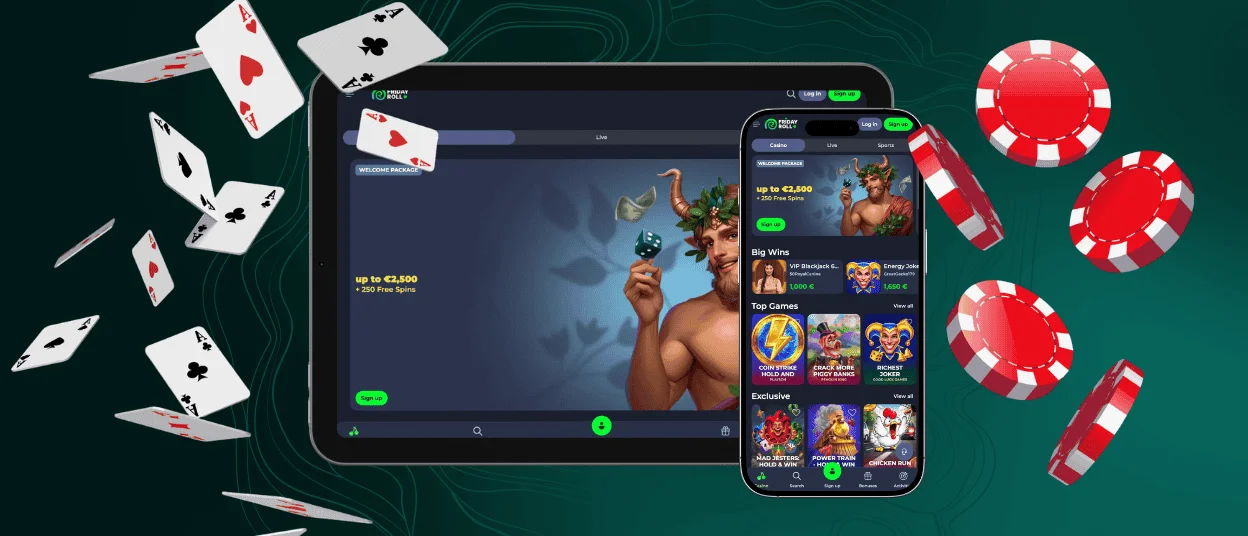
Friday Roll App for iOS
Installing the Fridayroll Casino mobile version on your iPad and iPhone is practically the same as the procedure described above. You also don’t need to go through the App Store. Just open our website, and you’ll see a “Share” button at the bottom; tap it. Next, tap the “Add to Home Screen” button, choose a name for the app, and then confirm the action again. An icon for our app will appear on your device, and after a quick authorization process, you can start playing.
If you encounter any difficulties during the installation process, our 24/7 customer support team is available to help you resolve most issues via live chat.
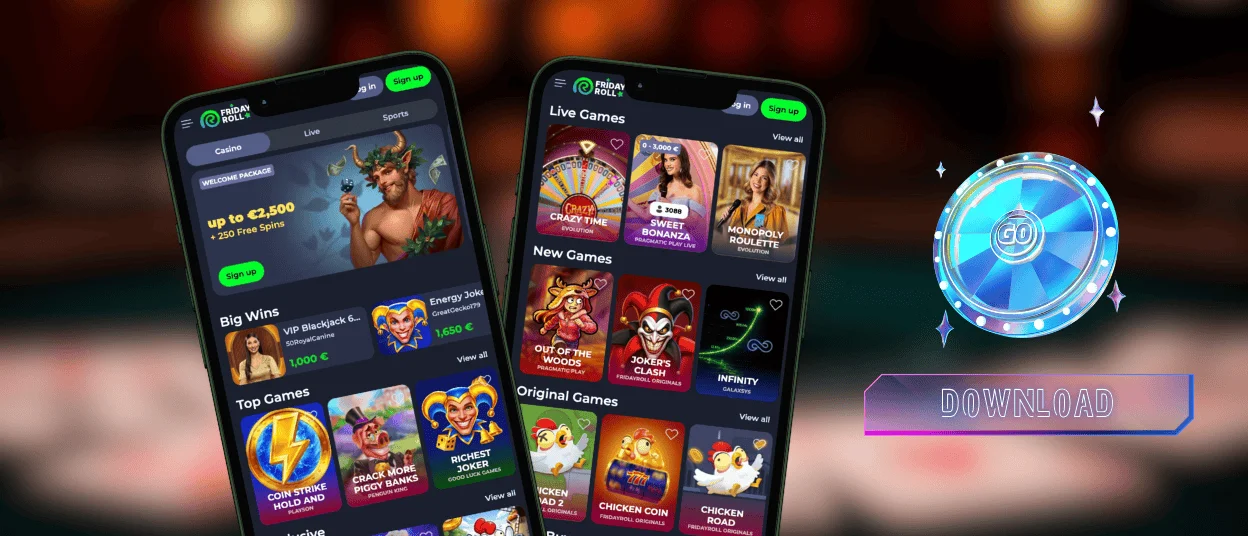
Desktop App for Windows and macOS
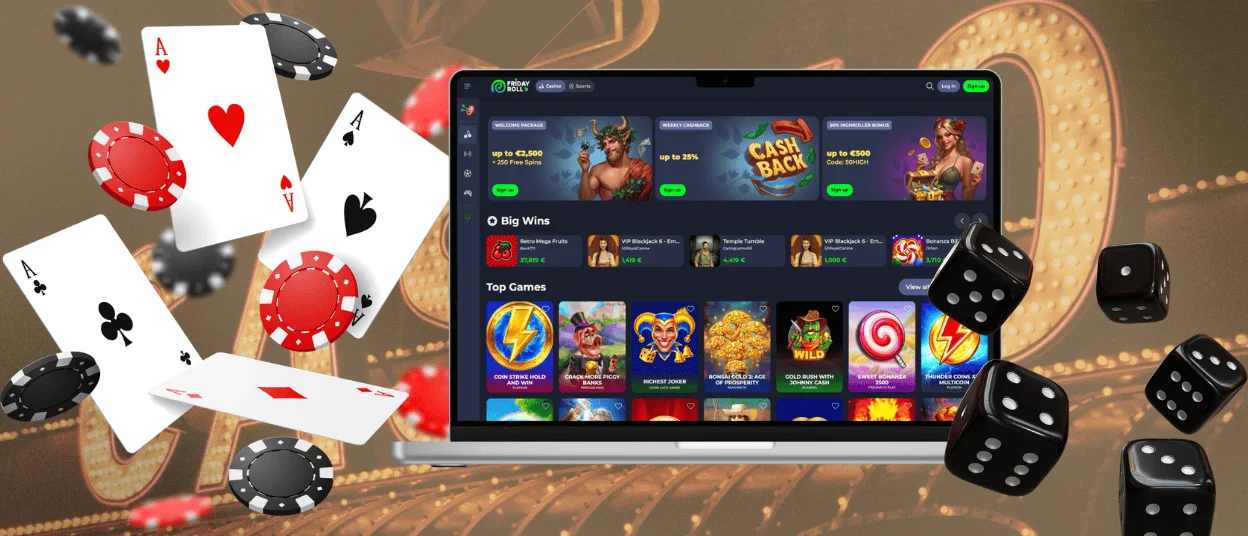
We’ve also released a version of the app for macOS and Windows PCs, where we’ve been able to improve certain features. For example, push notifications in the browser version are limited, while Fridayroll software offers customizable and comprehensive ones. We’ve also added a native full-screen mode and optimized loading for all titles.
To install it on your desktop, simply locate the install button in the address bar and click it. You’ll then be prompted to confirm the action, and within a few seconds, the application will appear on your desktop and be ready to run.
Device Compatibility
Because all data at Fridayroll is stored on servers and, thanks to optimization, you can switch between devices without losing any important data or functionality. For example, you can start wagering a bonus on your computer, then move to your smartphone and see all the steps you need. The exception is changing devices while a game is in progress. If you try to do this, the session will end on the gadget where the game was launched, and your funds will not be refunded.
We also recommend reviewing the list of system requirements to ensure your gaming experience is as enjoyable as possible and to avoid potential errors. Here is a list of supported devices and current versions:
| Device Type | Minimum Requirement | Recommended Setup |
| Smartphone (Android) | Android 5.0+ | Chrome browser or PWA app |
| Smartphone (iOS) | iOS 11.0+ | Safari browser or PWA |
| Computer (Windows) | Windows 7+ | Recommended browser or application |
| Computer (Mac) | macOS 10.12+ | Safari browser or our software |
FAQ
Do I need to sign up to use the Fridayroll app?
You don’t have to register right away to use Friday Roll Casino. You can take your time to test all the features, play the demo versions of the games, and do much more before making a decision.
Is customer service available in the Friday Roll Casino app?
Of course. To contact the Fridayroll team, you’ll need to find the appropriate button, after which our chatbot will respond and try to resolve the issue on its own. If that doesn’t work, you’ll be connected to a representative who can provide a more detailed answer to your question.
How do I update the Fridayroll app?
Thanks to PWA technology, you don’t need to worry about updates. They download automatically to your device, so you’ll never miss an important promotion.


